AI Kissing Generator & Kissing Video Maker THE
KISS
Upload two photos. Let neural networks generate your intimate moment.
No studio needed. Pure algorithm magic.
30 free credits on sign-up · No credit card required
Learn MoreGenerated Memories
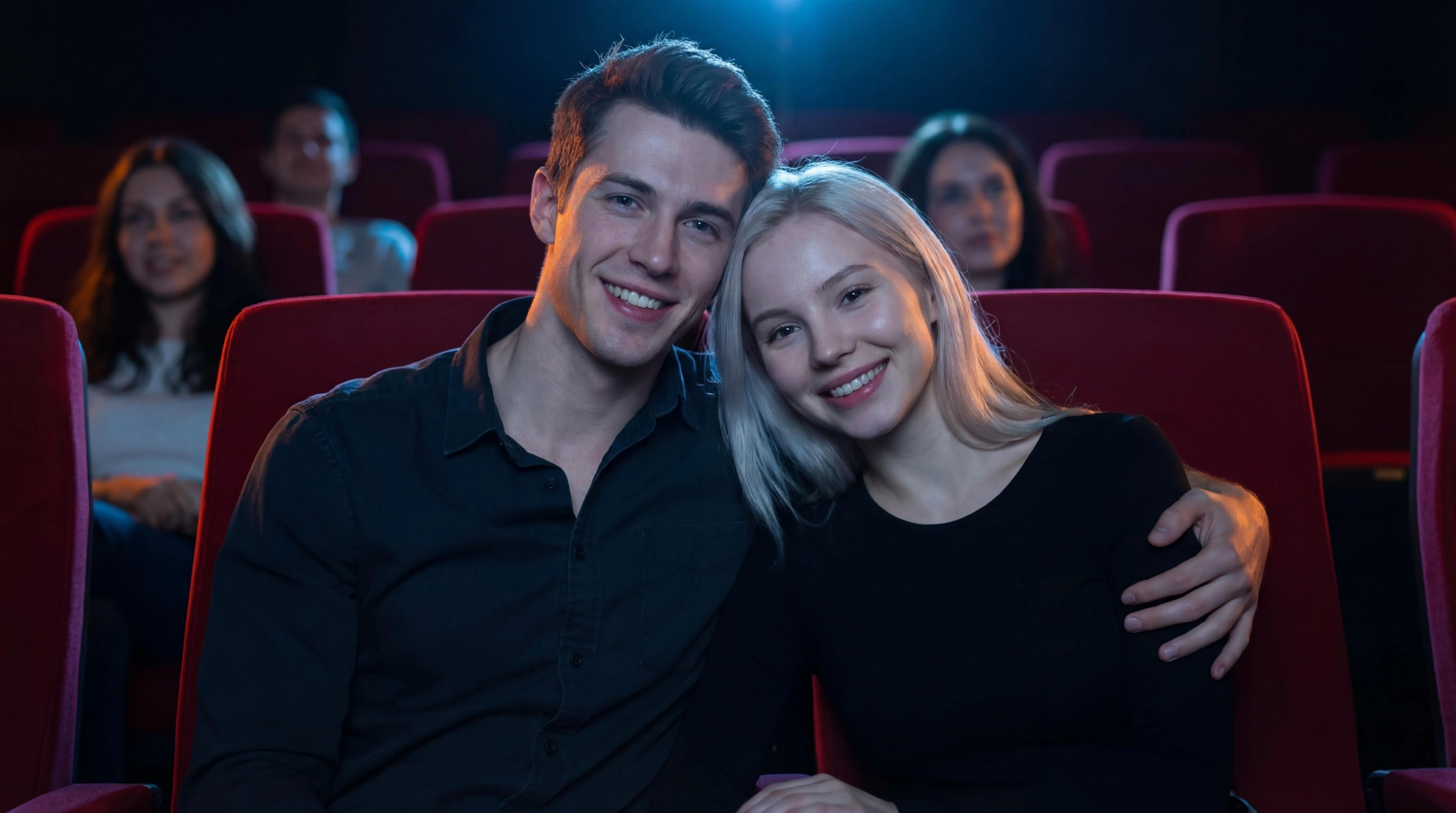
Cinema Romance
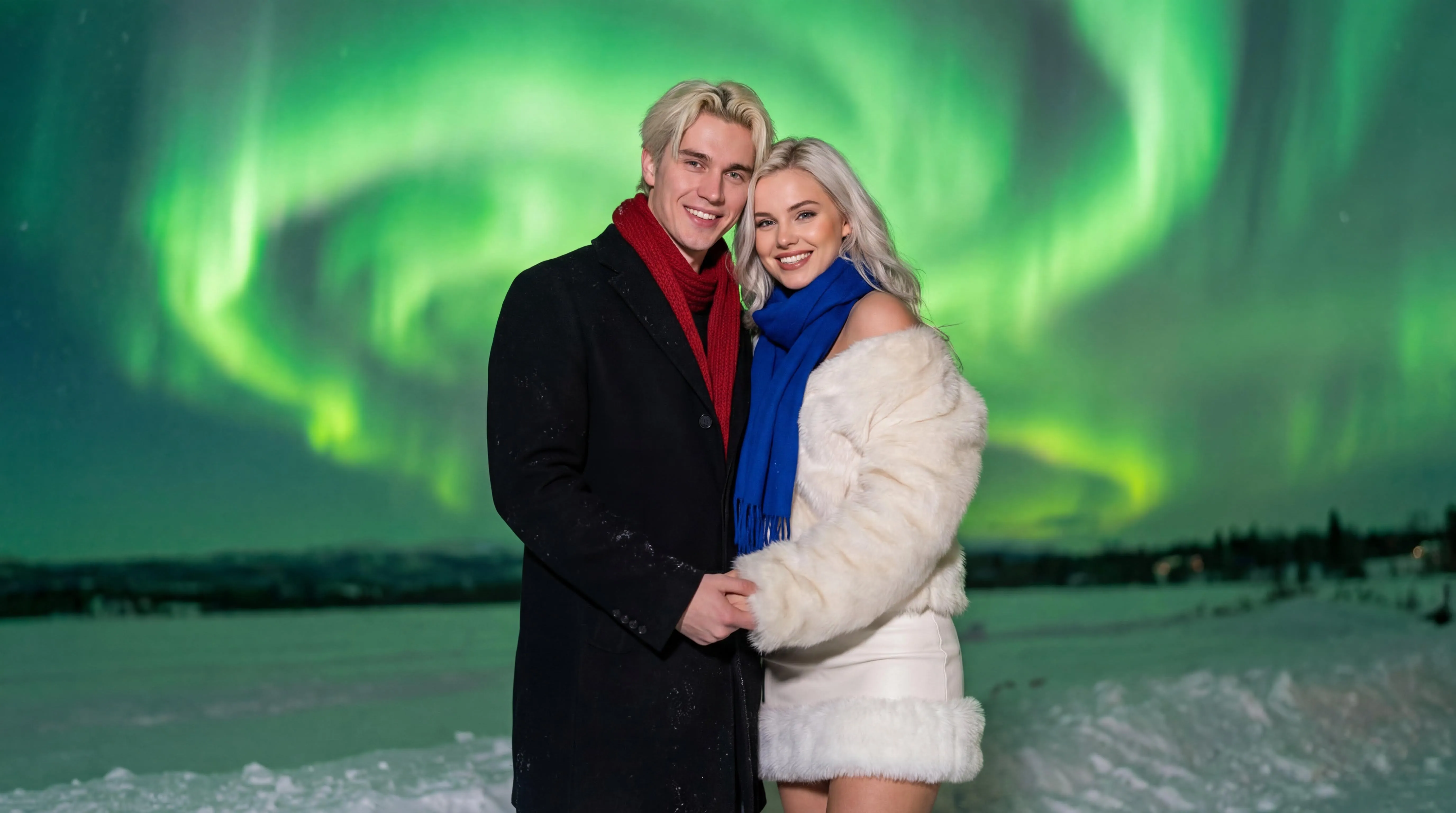
Eternal Aurora
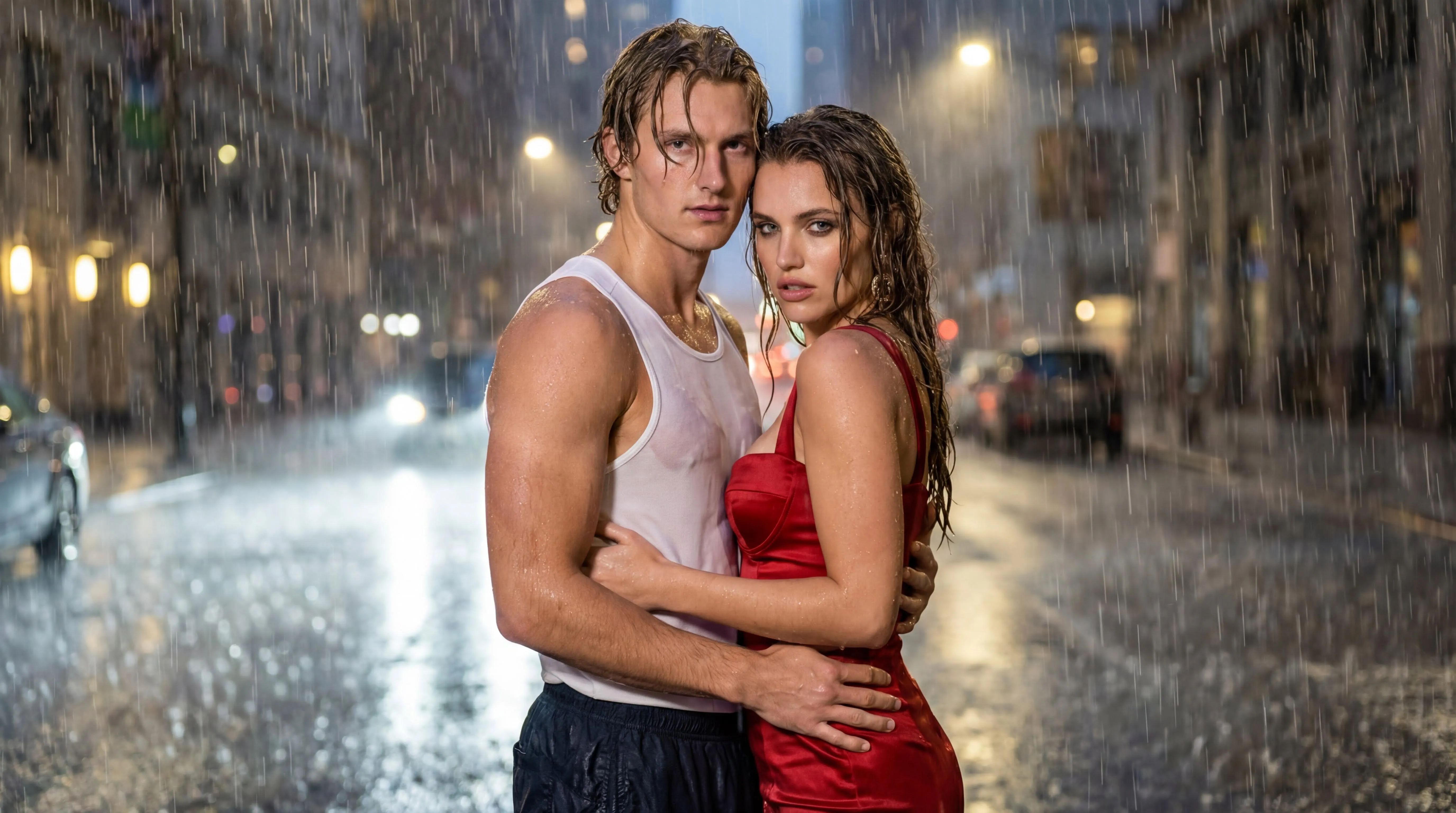
Rainy Night Kiss
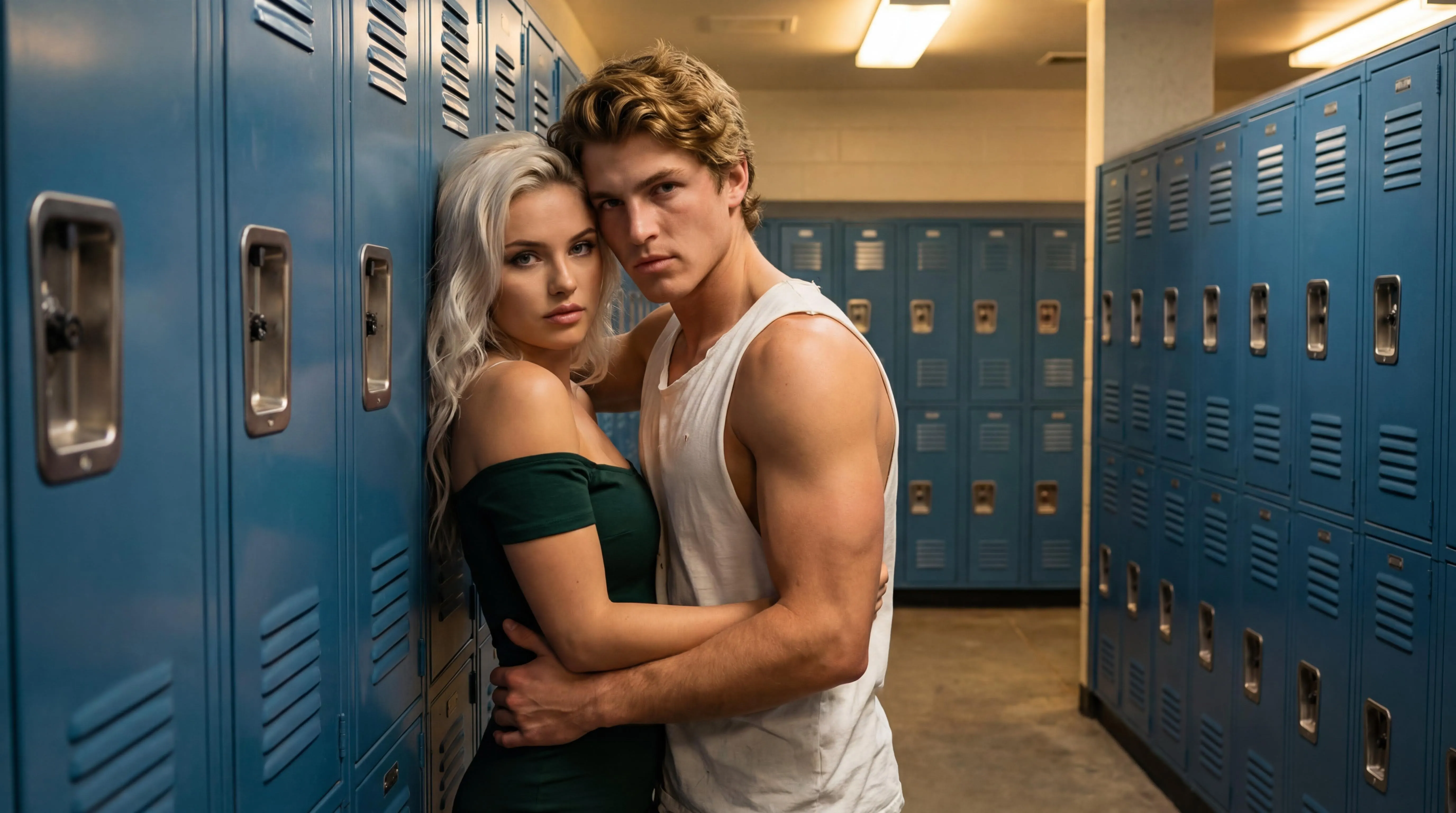
Breathless by the Steel
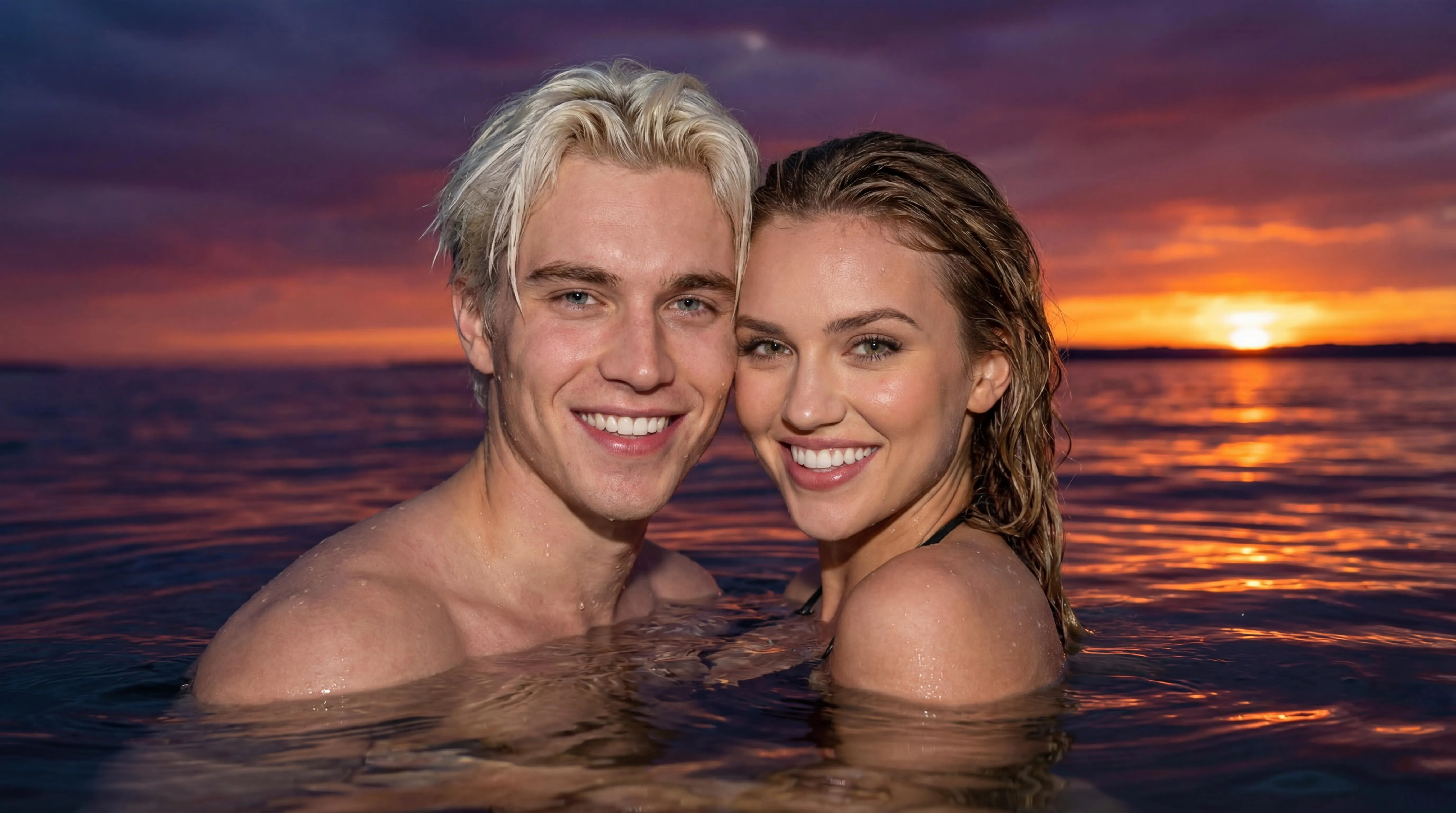
Sunset Ripples

Office Romance Scene
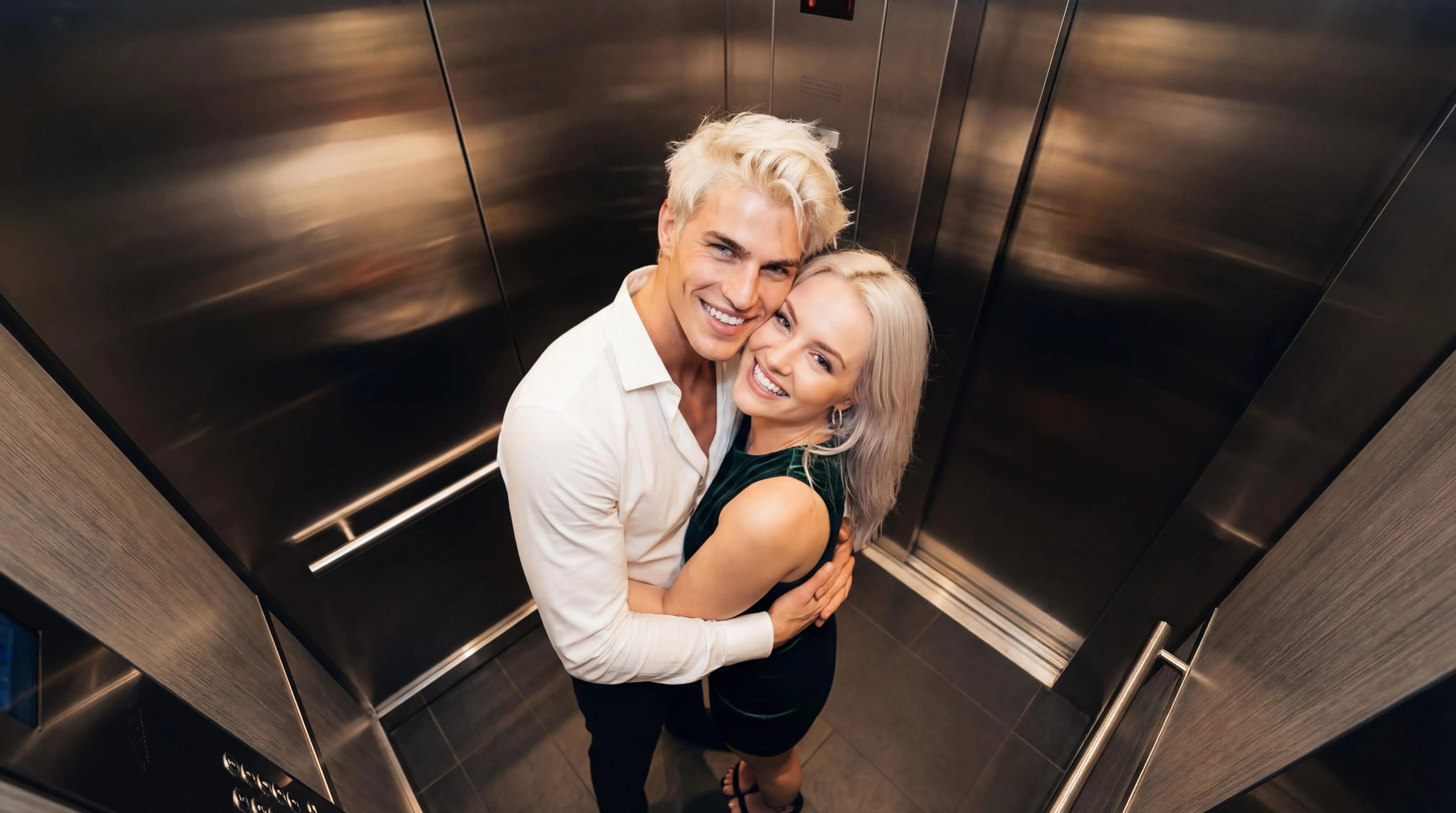
Love on the Rise
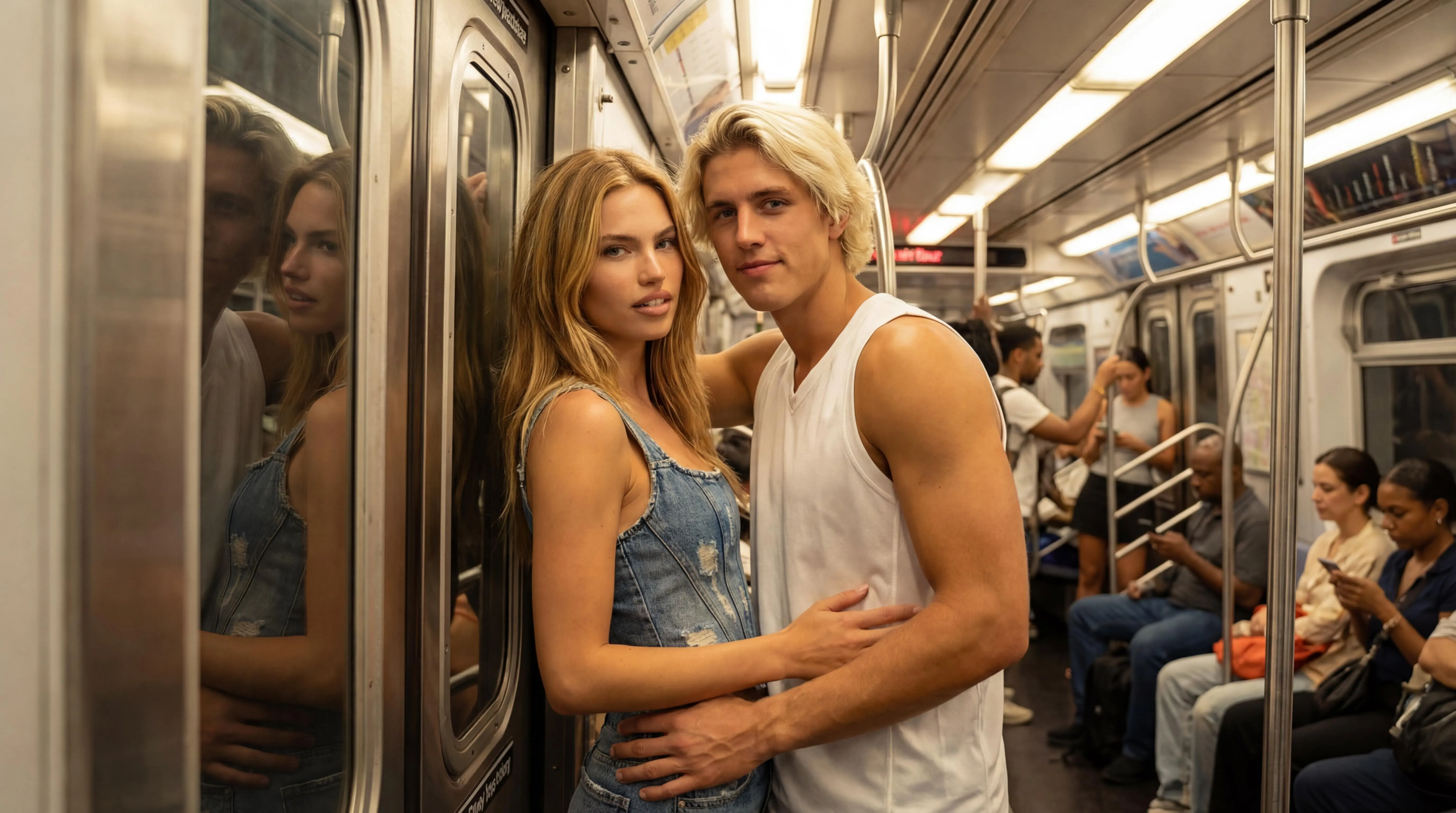
Next Stop Us
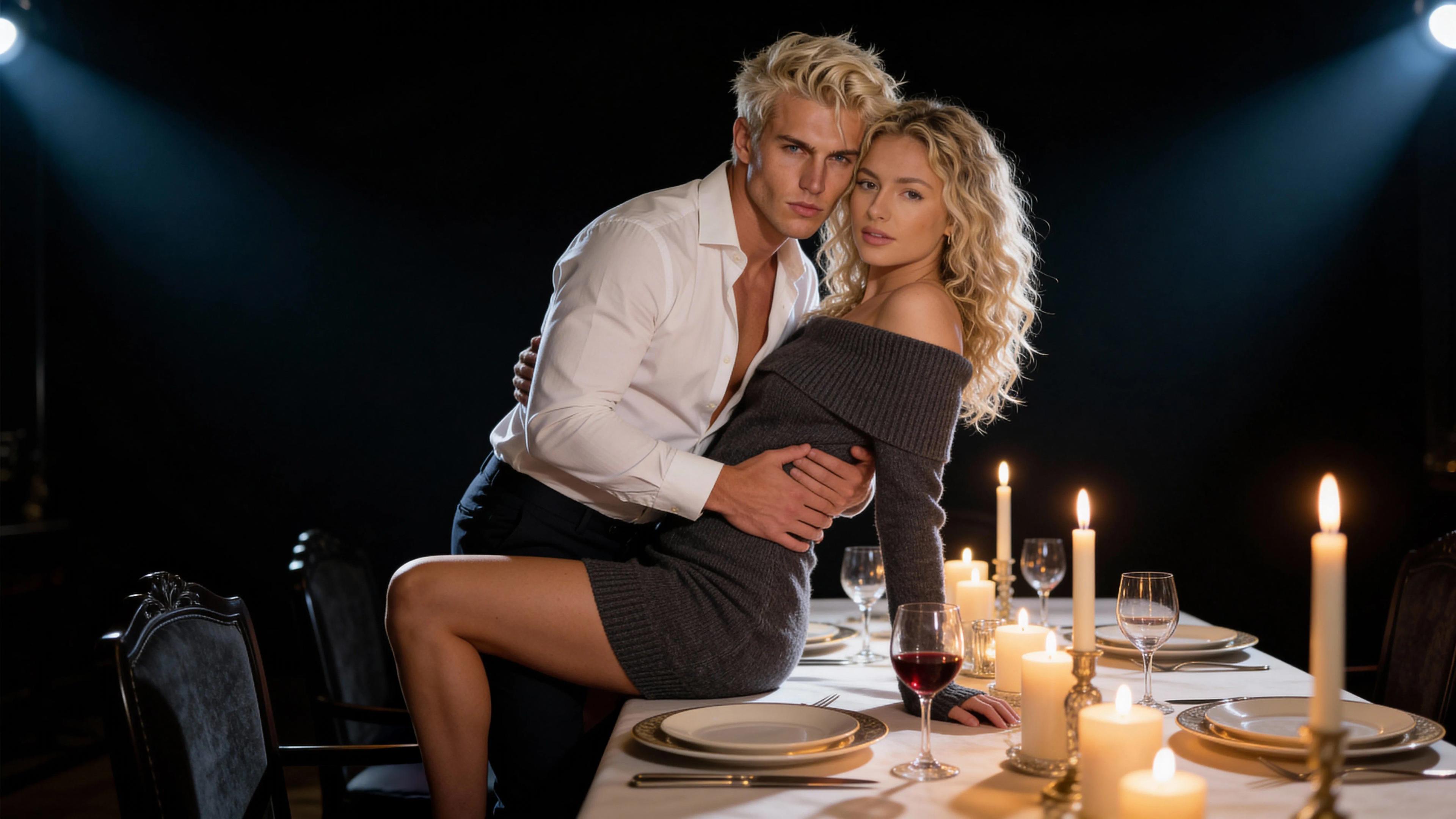
The Sweetest Entrée
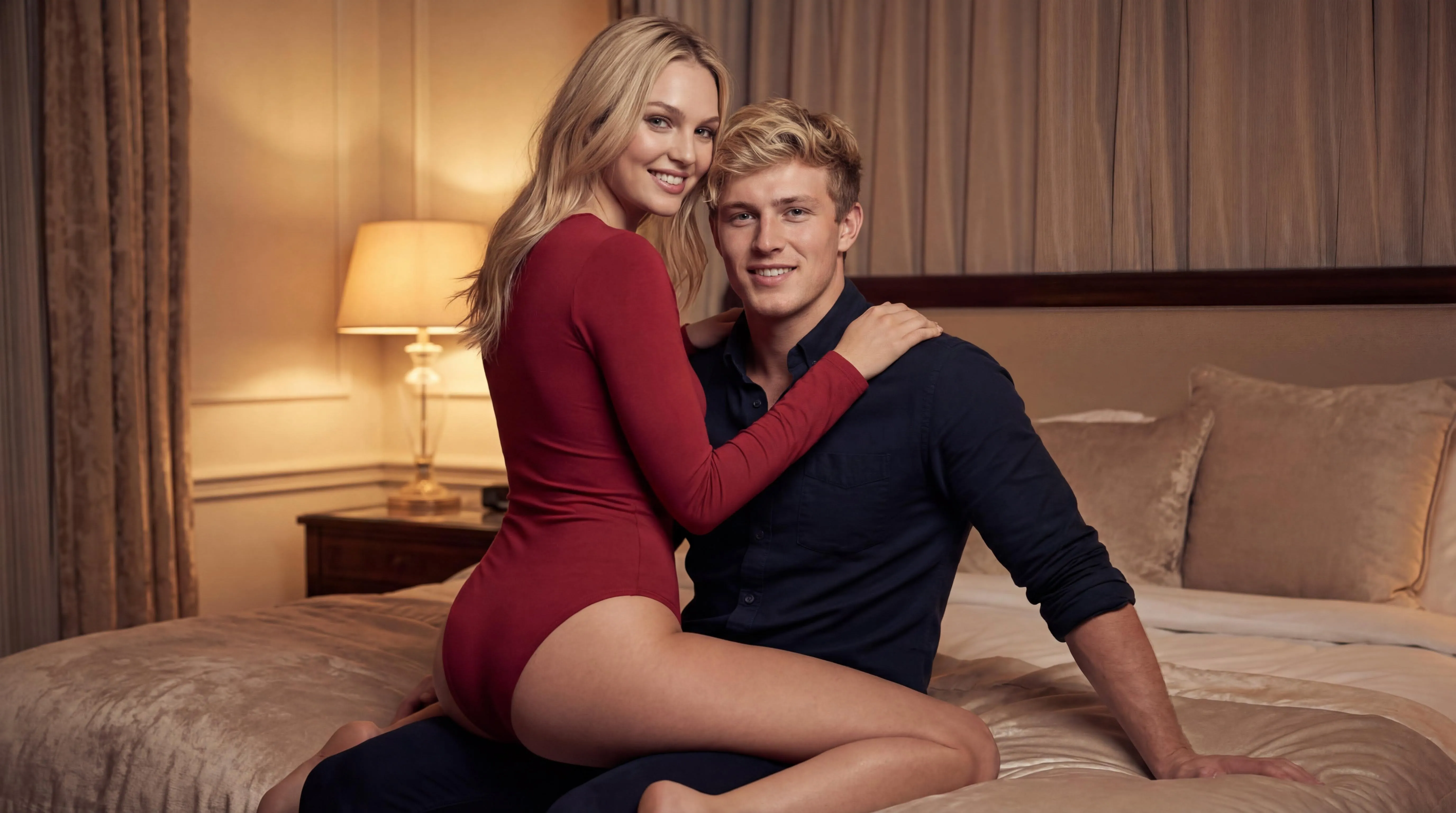
Embrace
The Process
Two photos become one couple image, and that image becomes a short kiss video. Each step runs on a task-specific model, and credits are charged only when a result is saved.
Upload two portraits
Add one clear, front-facing photo of each person. Faces should be visible and well lit; no photo of you together is needed.
Compose the scene
Pick a template. Seedream 4.5 places both faces into the scene and returns a still couple image for you to check.
Animate and download
The video model of the tier you pick animates the still frame into a kissing clip of 5 to 30 seconds, with sound. Download the MP4 or try another template.
More ways to make a romantic video
French kiss video
The templates written around a deep, lingering kiss, and what the clip looks like.
Photo to kissing video
Make two photos kiss: animate a still couple photo with template-guided motion.
AI couple videos
Romantic couple clips for posts, edits, and keepsakes.
Anniversary and long-distance videos
Short romantic clips for the moments that matter.
How to make an AI kiss video
A step-by-step guide from two photos to a finished clip.
Choose a Credit Pack
600 Credits
- $0.033/credit
- Most popular choice
- Valid for 90 days
What an artificial intelligence kiss is
An artificial intelligence kiss is a short kissing video made from photos instead of a camera. The Kiss does it in two steps. First, an image model places the two people from your portraits into one scene, such as a cinema, a rainy street or a snowy field under an aurora. Then a video model turns that still frame into a few seconds of motion: the couple moves closer and kisses while the camera drifts around them.
Because the scene is rebuilt around your faces, you do not need a photo of the two of you together, and the two of you do not need to be in the same city. That is why people use kissing AI for long-distance relationships, anniversaries and Valentine’s Day, to recreate a favorite movie moment, or simply to see what a kiss in the rain would look like.
- What you upload
- Two portraits, one of each person, or one photo of you together. JPG, PNG or WebP.
- What you get
- A still couple image to check, then an MP4 of 5 to 30 seconds, with sound, in which the two of you kiss.
- Scenes
- 16 cinematic templates: a cinema, a rainy street, an aurora, a subway car, an elevator and more.
- Price
- From 20 credits per video (5 seconds, 480p); longer and sharper clips cost more. 30 free credits on sign-up, then packs from $4.99. No subscription.
- Time
- Usually a few minutes from upload to download.
- Watermark
- Videos and photos made with the free sign-up credits carry a faint thekiss.app watermark across the middle of the frame. After you buy any credit pack, new videos and photos download without it.
- Privacy
- Uploads are deleted when the task finishes; results are kept for 7 days by default.
Choose a kiss style
Every template decides how the kiss looks: how fast it starts, how deep it gets and what the camera does. Start from the kind of kiss you have in mind, then pick the scene.
French kiss
Slow, open-mouthed and long, in scenic settings from an aurora to a dark cinema.
Deep kiss
The kiss starts at once and holds for the whole clip. Includes a guide that ranks every template by intensity.
Passionate kiss
A sudden pull and a kiss that builds fast in an elevator, a subway car, a locker room or the rain.
Romantic kiss
Soft, tender kisses with beautiful light, made for anniversaries and partners far away.
Rainy night kiss
Soaked by the rain on a city street at night, with the camera circling into a close-up.
Cheek kiss
A quick, sweet kiss on the cheek under spring cherry blossoms. Easy to share anywhere.
Forehead kiss
A slow, caring kiss on the forehead by a sunny window, wrapped in one blanket.
Anime kiss
Both of you redrawn as anime characters, kissing as fireworks light up a summer festival.
A hug instead
The Embrace template is a warm, smiling hug with no kiss, for a gentler first video.
Photos that make a natural kiss
The kiss keeps both faces close to the camera, so the input photos decide most of the result. A few minutes choosing photos saves credits later.
- Use clear, front-facing portraits with both eyes visible and the face well lit.
- Pick two photos with similar lighting and sharpness; one dark, blurry photo next to a bright selfie makes faces drift.
- Crop to head and shoulders at a similar distance, so both heads end up the same size in the scene.
- Avoid sunglasses, masks, hats and hair across the face; keep the mouth relaxed rather than mid-laugh.
- Check the still couple image before the video. If a face looks wrong there, change the photo or template instead of animating it.
When the kiss looks wrong
Most failed kisses have one of three causes. A face that changes during the kiss usually means the two photos differ too much in light or angle. A kiss that starts late means the couple stands far apart in the still image; a seated template such as Close Embrace Pose fixes that. A blurry or waxy face usually comes from a small or heavily filtered source photo.
Each new try is a new generation and costs credits again, while a failed task is refunded automatically. The guide on why AI kiss videos fail and the photo checklist go into more detail.
What you get
Two portraits in, a cinematic kissing video of 5 to 30 seconds with sound out. 16 templates, 30 free credits on sign-up, no subscription, MP4 download, adults only.
Questions about AI kissing videos
- What is The Kiss?
- The Kiss is an AI kissing video generator. You upload two portraits, one of each person, pick one of 16 cinematic templates, and get a short kiss video of the two of you. It runs in the browser; there is nothing to install.
- Is it free to try?
- Yes. Every new account gets 30 free credits with no credit card. A complete two-photo kissing video starts at 20 credits, so the first 5-second video is free. After that, one-time credit packs start at $4.99; there is no subscription.
- How long is the video and what do I get?
- You choose the length: 5 seconds by default, or 10, 15 or 30 seconds on the higher tiers. You first get a still couple image to check, then the animated kiss video, with sound, as an MP4 you can download and share.
- Do I need a photo of us together?
- No. Two separate portraits work: the two-photo workflow composes one couple image first, then animates it. A single photo of the two of you works too.
- Is The Kiss an AI kiss generator or a kissing video generator?
- Both. The same two-photo workflow creates an AI kiss photo (a still image) or an AI kissing video; the video step animates the still frame with the template's motion.
- What happens to my photos?
- Your photos are stored privately and deleted as soon as your video is made. Finished videos stay in your account for 7 days so you can download them.
- What is an artificial intelligence kiss?
- It is a kissing video generated by AI from photos instead of filmed with a camera. The Kiss composes a couple image from two portraits, then animates it into a clip of 5 to 30 seconds in which the two people kiss.
- How long does it take to make an AI kiss video?
- Usually a few minutes. The still couple image comes first, then the video step animates it. You can keep the page open and download the MP4 when it is ready.
- Is there a watermark on the video?
- Only on videos and photos made with the free sign-up credits: they carry a faint thekiss.app watermark across the middle of the frame. Once you buy any credit pack, everything you make after that downloads without a watermark.
- Does the AI kissing generator work on my phone?
- Yes. It runs in the browser on iPhone, Android and desktop. There is no app to install; you upload photos straight from your camera roll.
- What happens if a generation fails?
- The credits for that task are returned to your balance automatically, and you can try again with the same photos or a different template.