share kissing video · instagram · tiktok · whatsapp · ai labeling
How to Share a Kissing Video on Instagram, TikTok, WhatsApp
Share your kissing video the right way: pick the frame before you generate, add captions and music in-app, keep quality on WhatsApp, and label it as AI.
Veröffentlicht am 6. November 2026 · 6 Min. Lesezeit
Diesen Artikel gibt es noch nicht in deiner Sprache, deshalb wird er auf Englisch angezeigt.
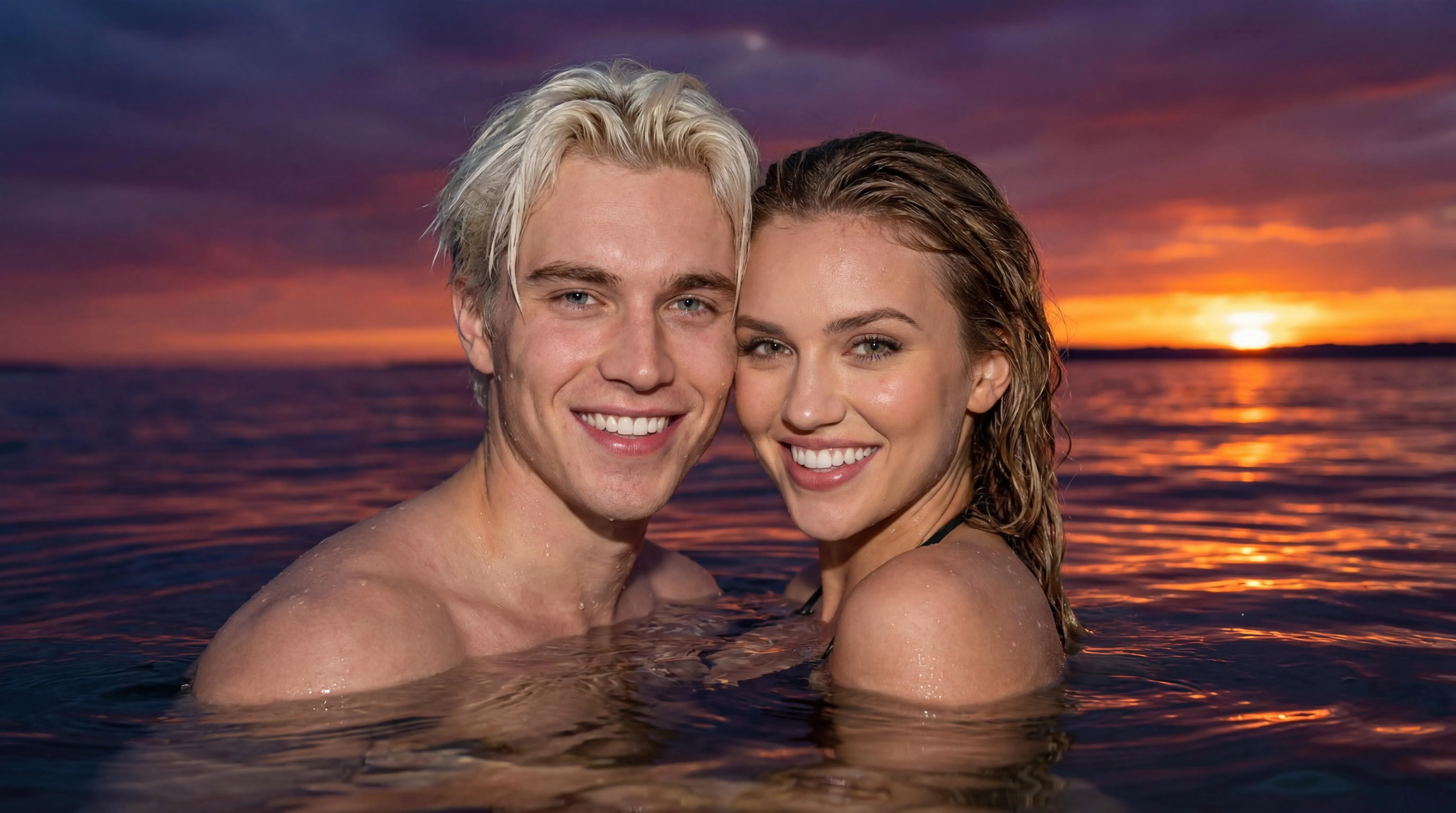
You've made a kissing video you like. Now you want it to look good wherever it ends up, whether that's an Instagram story, a TikTok, or a private WhatsApp chat with your partner. Most of the work happens before you hit generate, and the rest is a few minutes inside the app you're posting to.
This post covers framing, downloading, captions, music and file quality, and the etiquette that matters more than any of it.
Decide where it's going before you generate
The single biggest thing for sharing is the frame shape, and you choose it in the generator, not afterwards.
The generator offers several aspect ratios: Auto, 1:1, 16:9, 9:16, 4:3 and 3:4. In the two-photo workflow the ratio is applied to the still image, and the video follows the shape of that image. So whatever you pick at the start is what you'll get.
| Where it's going | Aspect ratio to pick |
|---|---|
| Instagram Stories or Reels, TikTok, WhatsApp Status | 9:16 (vertical) |
| Instagram feed post | 1:1 or 3:4 |
| Sending in a chat | Any; 9:16 fills a phone screen best |
| Watching on a laptop or TV | 16:9 |
If you leave it on Auto, the two-photo workflow currently produces a square frame. That's fine for a feed post or a chat, but it will show bars or get cropped in a full-screen vertical format.
Why not just crop later?
Cropping a square video to vertical throws away the sides of the frame. In a kissing scene that often means part of a face. Generating at 9:16 lets the scene be composed for the vertical frame from the start.
Download it soon
Once the video is done, use the download button in the generator or in your profile to save it to your device. Don't rely on the link staying available: generated outputs are deleted after a retention period, which is 7 days by default. Save the file, then post from your phone's gallery.
The clips are short, roughly 5 to 7 seconds depending on the template, so the files are small and quick to send even on mobile data.
Making it look good on each platform
Platforms change their features often. The basics below have stayed steady.
- Stories and Reels: post the 9:16 version. Keep important things, faces especially, away from the very top and bottom, where the username, caption and buttons sit.
- Feed: a 1:1 or 3:4 clip fits the grid without heavy cropping.
- Music: add it inside Instagram from its music library when you post. That's easier than editing audio in beforehand, and the song stays properly licensed for the platform.
TikTok
- Format: 9:16, full-screen.
- Length: the clip is short, so it will loop. Pick a sound with a beat that works on repeat, or extend the post with your original photo first and then cut to the video.
- Text: use TikTok's own text tool and place captions in the middle third of the frame, clear of the bottom caption area and the side buttons.
- Chats: messaging apps often compress videos sent the normal way. If you want to keep the full quality, sending the clip as a file or document usually avoids that.
- Status: 9:16 fills the screen. A short clip like this suits the format well.
- Group chats: think twice before posting it in a family or friends group, and ask your partner first (more on that below).
Captions and music
A caption turns a generic scene into your story. Some ideas:
- Name the moment: "Two years. Same theater." or "Counting down to the airport."
- Do a then-and-now: post your original photo next to the video.
- Keep text off faces: the faces are the point, so put captions in empty sky, water or background.
For music, add it in the app you're posting to. Every major platform has a built-in sound library, and choosing the track there is quicker than re-editing the file. A slow song suits soft scenes like Sunset Ripples or Eternal Aurora. Something with more tension fits Rainy Night Kiss or Cinema Romance.
Sharing etiquette
This part matters most. A kissing video looks real, and it shows two real people.
Both people agree to the post, not just the video
Your partner agreeing to make a kissing video isn't the same as agreeing to have it on your public Instagram. Before posting anywhere beyond a private chat between the two of you:
- Ask where it's going: "Can I put this on my story?" is a different question from "Can I send this to my sister?"
- Respect a no: some people are fine with a private video and not with a public one.
- Check again after a breakup: if the relationship ends, take it down if your ex asks.
Never post a kissing video of someone who didn't agree to it. The content policy prohibits harassment, non-consensual intimate imagery, and sexualized deepfakes of real people without explicit consent. Violations can lead to content removal, account suspension and permanent bans.
Label it as AI-generated
Even an obviously cinematic scene can fool someone scrolling fast. Say it's AI:
- Use the platform's label: many platforms offer an "AI-generated" label or toggle when you post. Turn it on.
- Say it in the caption: a quick "made with AI" or a hashtag works.
- Never present it as real: don't use it as proof of a relationship, an event, or anything else that didn't happen as shown.
Labeling isn't just a courtesy. It protects you and your partner if the clip gets shared beyond the people you meant it for. Our privacy and safety guide goes further on responsible use.
Keep it tasteful in public spaces
A scene that's perfect in a private chat may be too much on a public feed or in front of your family. Bedroom-set templates suit private sharing. For public posts, outdoor and cinematic scenes tend to land better.
If the video isn't ready to share
If the faces don't look like you, a hand looks strange, or the motion is off, don't post it hoping nobody notices. Regenerate with a clearer photo or a different template. Our troubleshooting guide covers the most common causes, and the photo guide explains which portraits hold up best.
Make one that's ready to post
Open the kissing video generator, set the aspect ratio to 9:16 if it's headed for stories or TikTok, upload one portrait of each of you, and pick a template. A complete two-photo video uses 25 credits, and new accounts start with 30 free credits after signing in, with no credit card required. Download the result, add your caption and music in-app, label it as AI, and post it once you've both agreed.
FAQ
What aspect ratio should I use for Instagram Reels and TikTok?
Use 9:16. Set it in the generator before you start, because the video follows the shape of the still image. Cropping a square clip afterwards can cut into faces.
Does the video come with music?
Plan to add music in the app you're posting to. Instagram and TikTok both let you add sound from their libraries when you post, and picking a track there is quicker than editing the file.
Do I need to say it's AI-generated?
Yes, you should. Use the platform's AI label if it offers one, or say so in the caption. It keeps viewers from mistaking the scene for real footage and protects both of you if the clip spreads.