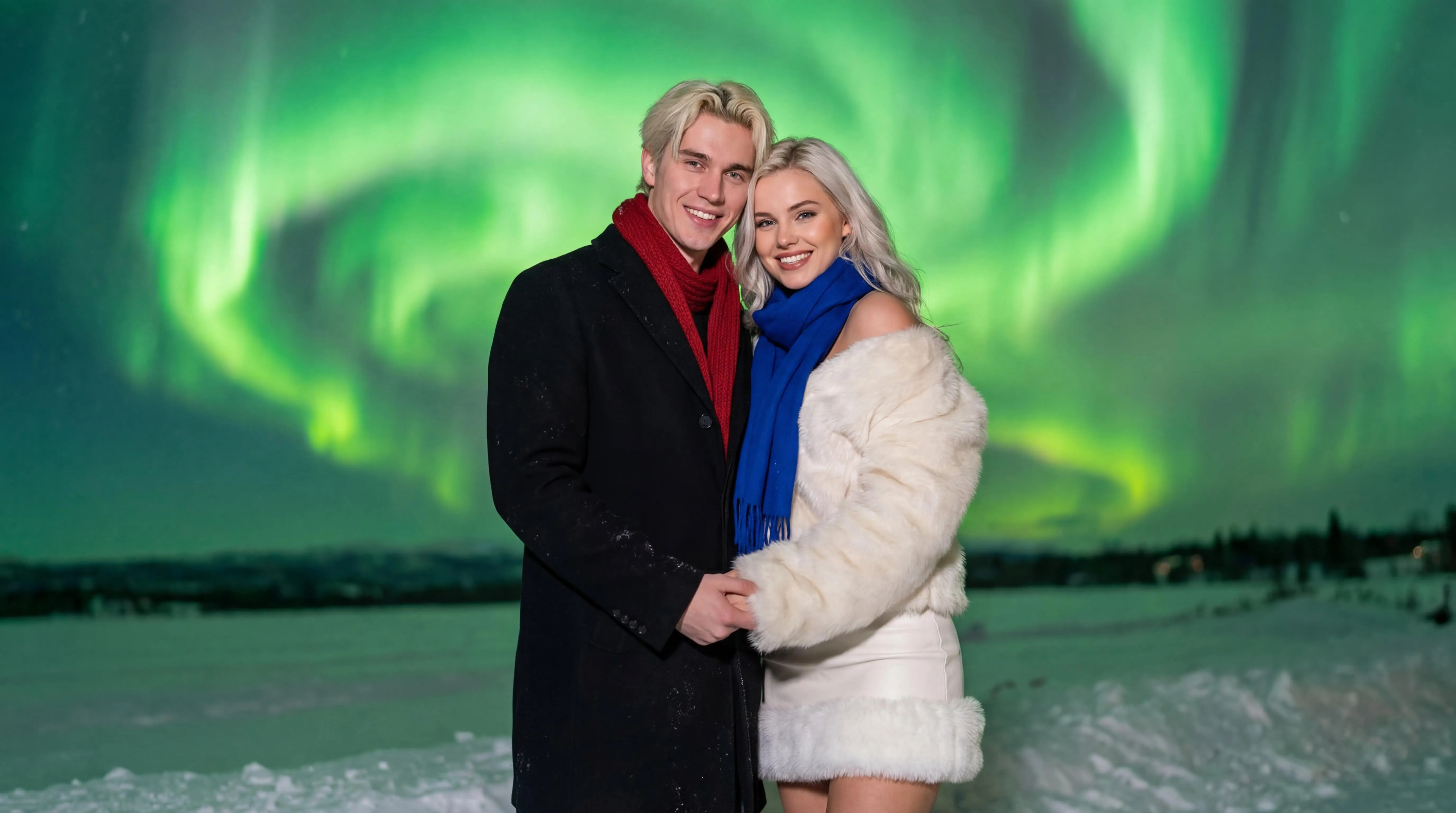
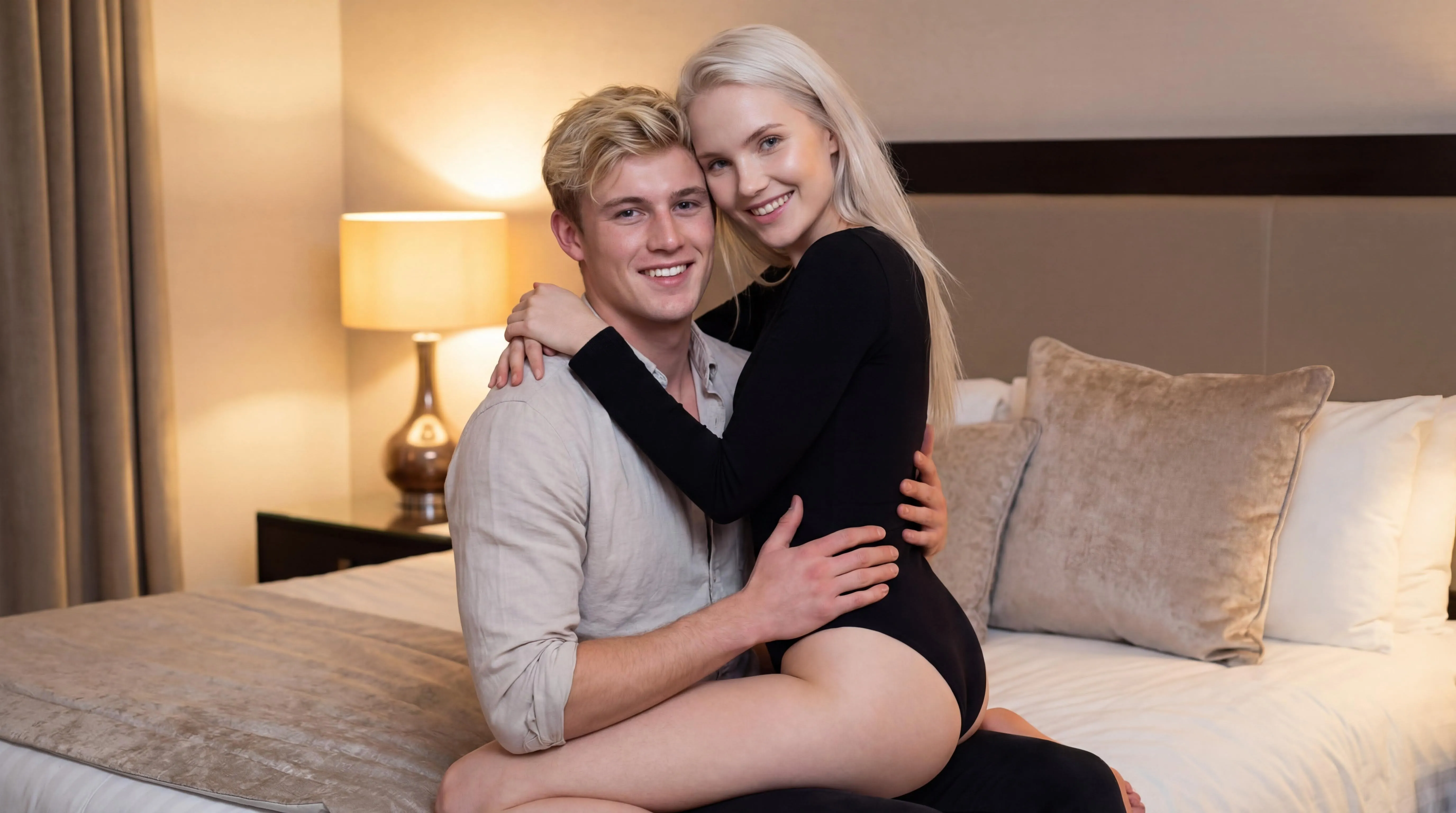
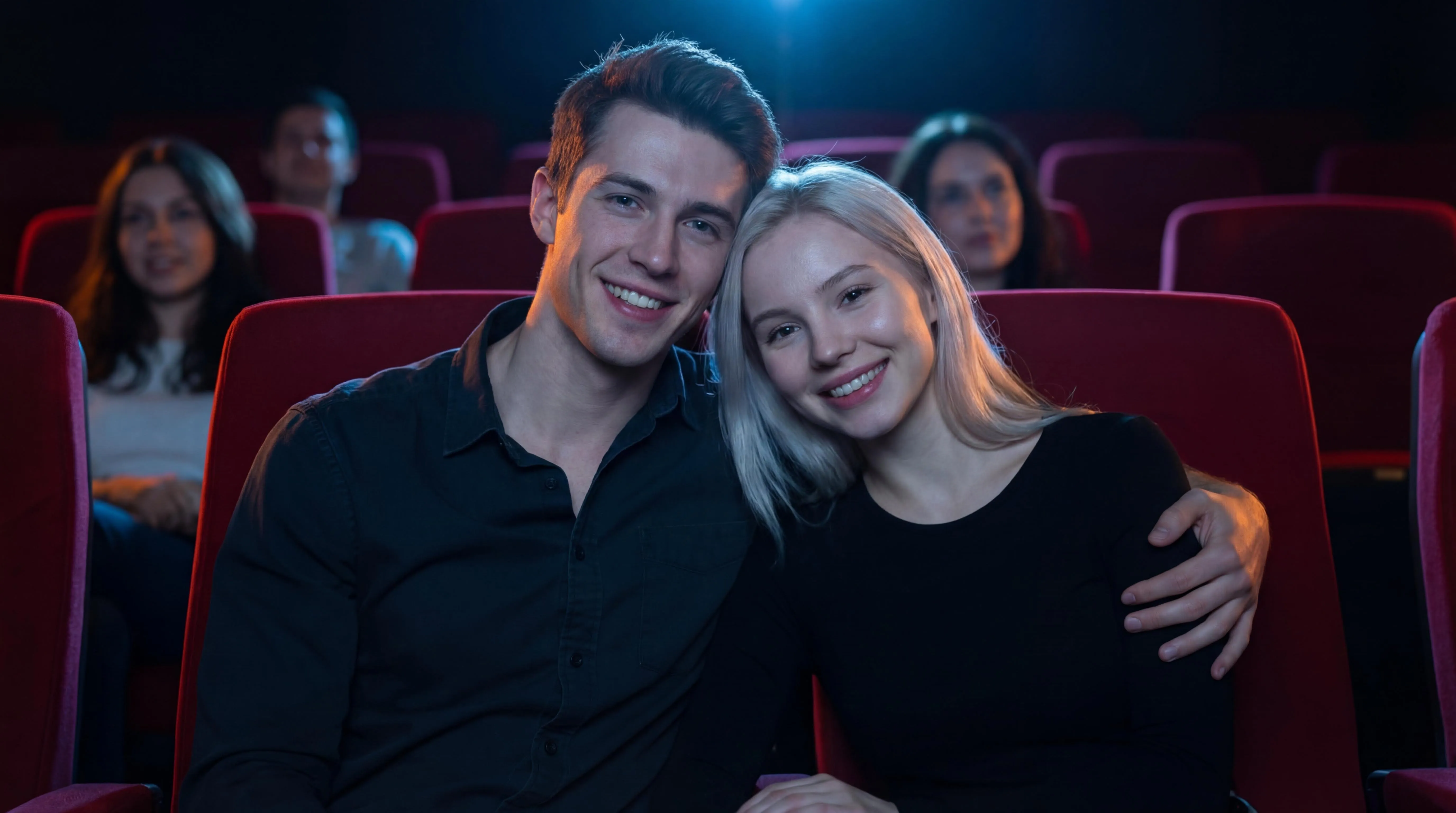
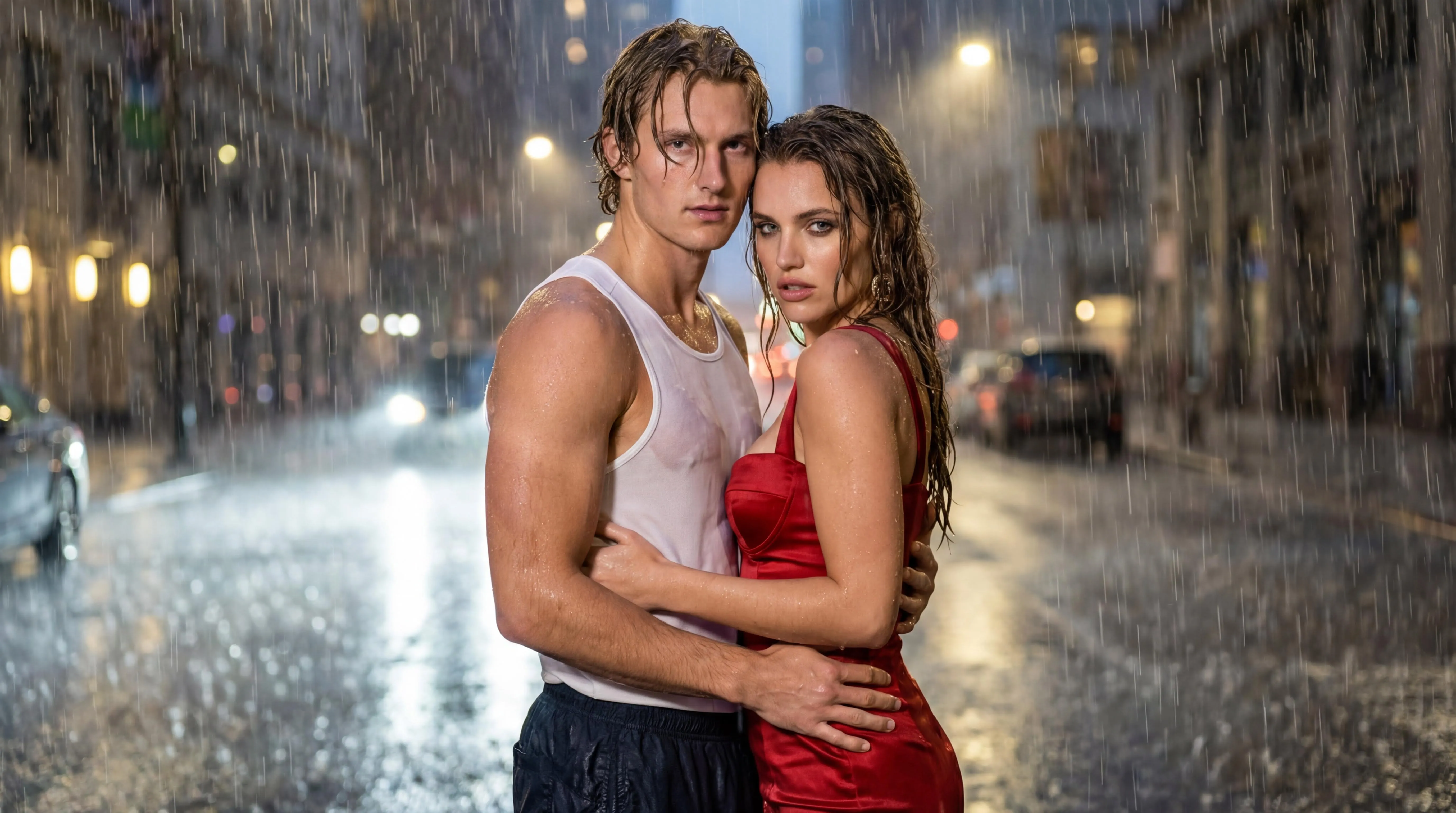
Choose front-facing photos with good lighting so facial details are easy to recognize.
02
Keep framing and distance balanced
Use similar camera distance for both faces to avoid uneven scale in the final composition.
03
Adjust style and prompt tone
Add mood words like cinematic, dreamy, or soft light to better match this template.
04
Generate and refine quickly
If details look off, tweak one setting at a time and regenerate for a cleaner result.
Best photos for Sunset Ripples
This template works best when the source portraits give the model enough face detail, lighting information, and scale consistency before the romantic scene is generated.
Use bright, clean portraits because outdoor templates add natural light, sky glow, or water reflections.
Avoid underexposed faces; outdoor scenes need enough facial detail before the lighting style is added.
Choose relaxed expressions when you want a softer sunset, aurora, or open-air romantic mood.
When to use this template
Use Sunset Ripples when you want a nature outdoor scene with template-guided composition instead of a blank prompt.
Golden-hour couple photos, shoreline scenes, and warm outdoor romantic clips.
Open-air romantic scenes with natural light, weather, water, or sky details.
Soft anniversary images, profile visuals, and warm keepsake-style couple scenes.
How to improve Sunset Ripples results
If the first output is close but not ready to use, adjust the source photos, template fit, or video motion before spending more attempts on the same setup.
If the scene looks washed out
Use portraits with good exposure and avoid heavy filters before applying sunset, aurora, or beach lighting.
If faces lose detail
Choose source photos where both faces are large enough to inspect, especially for wide outdoor templates.
If motion feels unnatural
Keep camera movement slow and let water, sky, or weather details provide atmosphere instead of large body motion.
Template FAQ
Will this work with regular phone selfies?
Yes. Clear phone selfies usually work well. Avoid heavy blur, harsh filters, and faces covered by hair or hands.
How can I improve face similarity?
Use bright, front-facing photos with minimal occlusion. Similar angles and expression intensity improve identity consistency.
What should I do if the result looks unnatural?
Regenerate with simpler prompts, reduce extreme style keywords, and keep composition instructions concise.