Two photo AI video generator

Turn two portraits into one AI couple video

Use a two-photo workflow to combine two people into one generated scene before adding video motion.

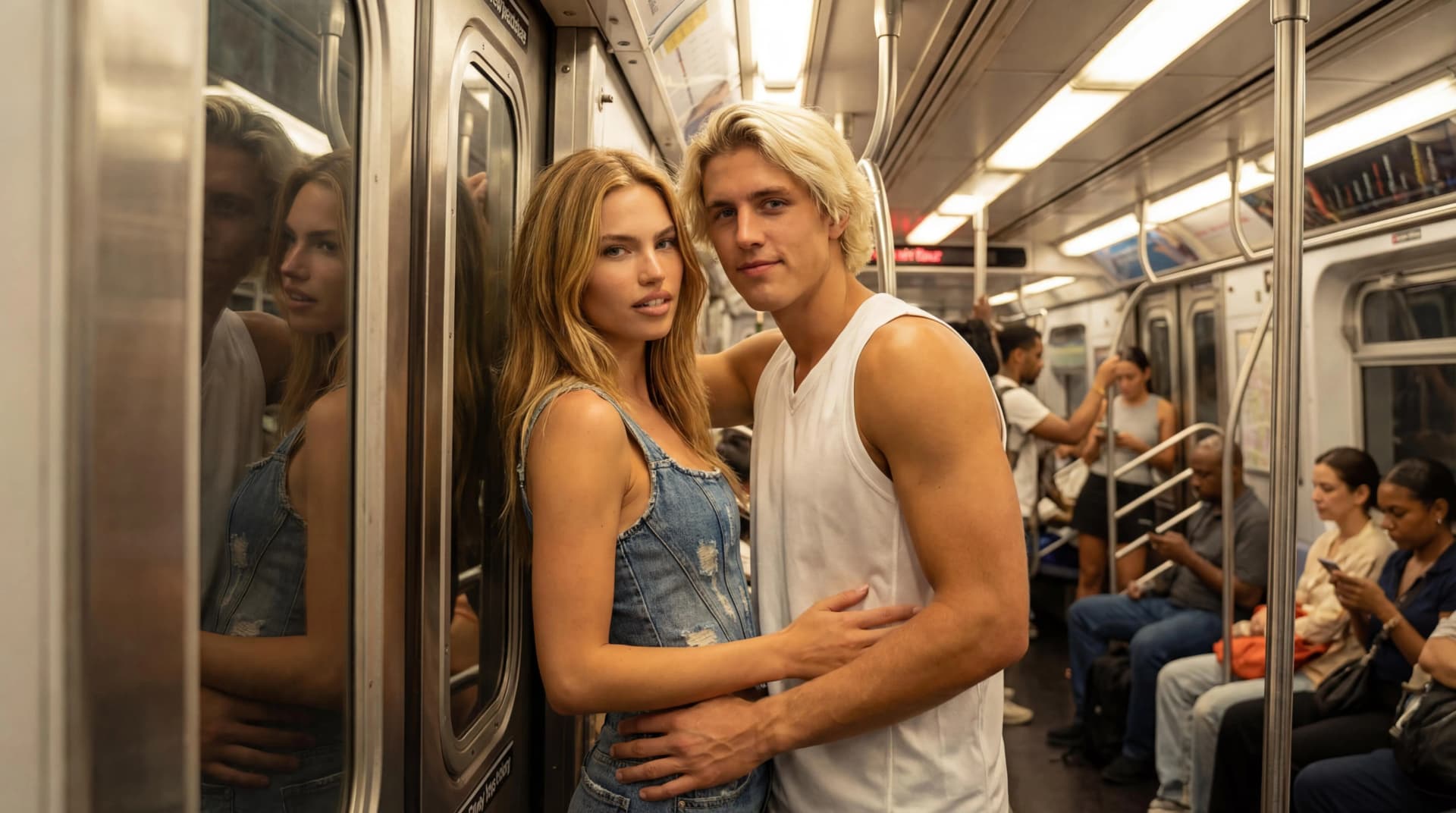
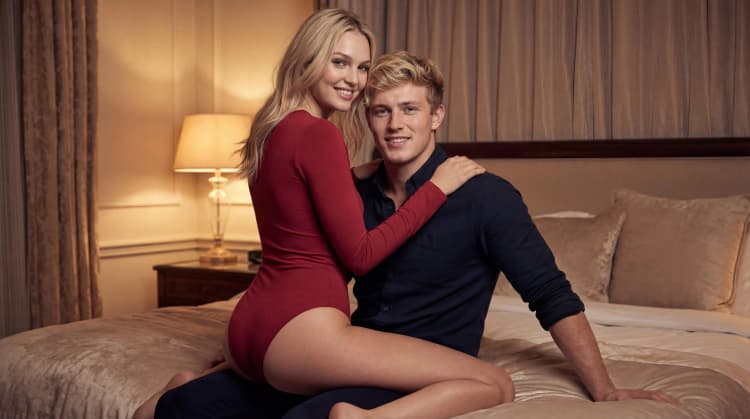
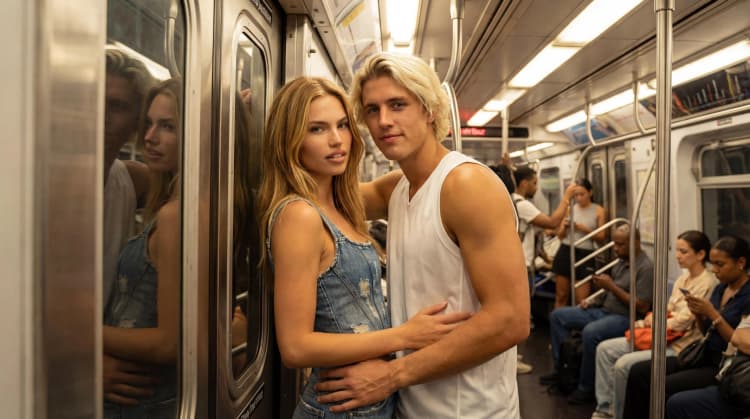
Embrace AI couple video templateLove on the Rise AI couple video templateNext Stop Us AI couple video template

A practical two-step workflow

The Kiss separates composition from motion so you can inspect the still result before spending credits on video.

  • Add two source portraits.
  • Generate a couple image with a template.
  • Animate the strongest output into a short clip.
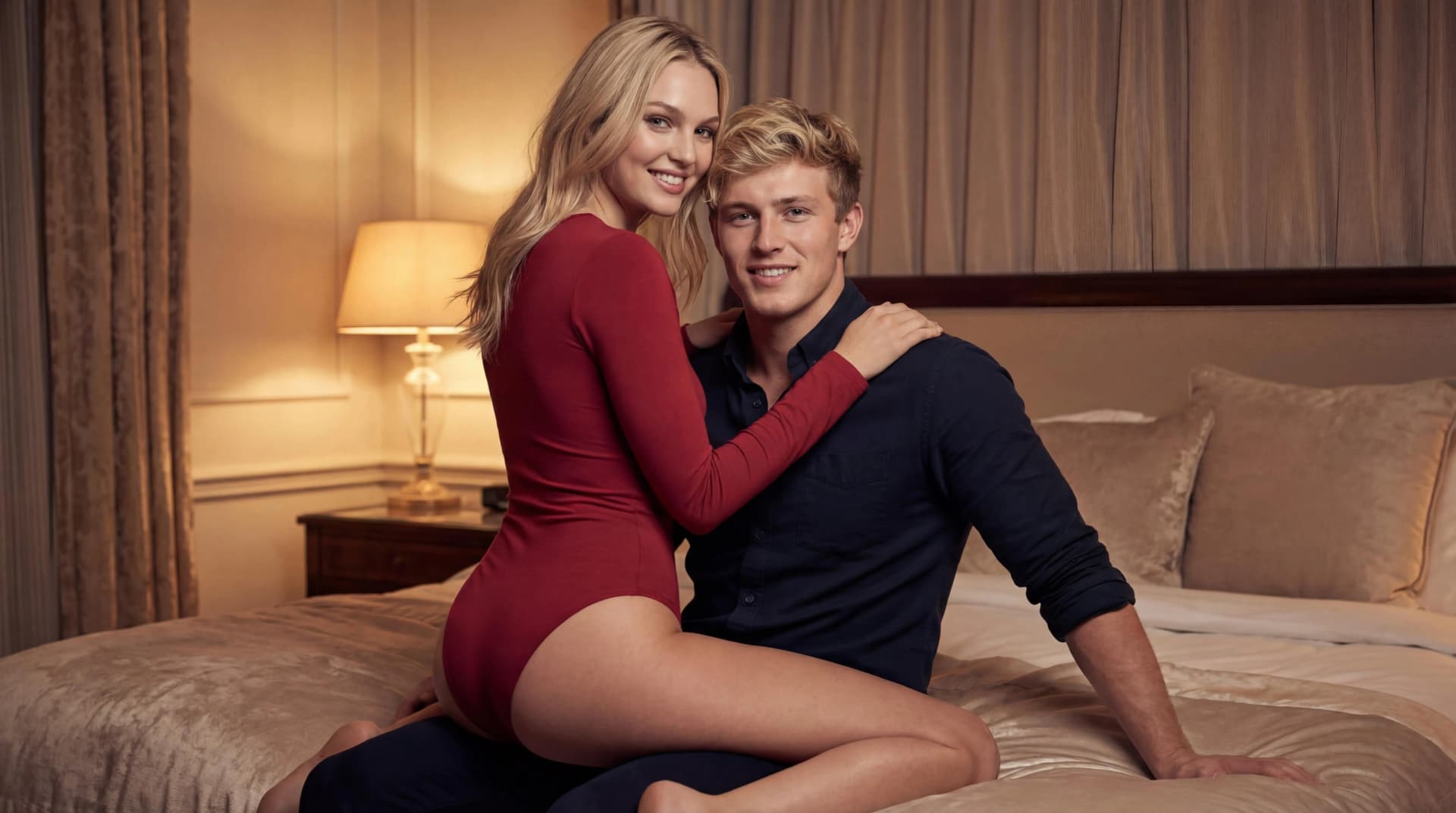
Good for repeat testing

Because templates are consistent, you can compare different scenes without rewriting the same prompt from scratch.

  • Try urban, indoor, and outdoor templates.
  • Compare still outputs before video generation.
  • Keep the best result for sharing or private download.

FAQ

Common questions

Can two separate photos become one AI video?

Yes. The workflow first creates a shared couple image, then uses that image as the source for video generation.

Why not create video directly from two photos?

Checking the still composition first usually gives more control over identity, pose, and scene quality.

How many templates can I try?

You can browse the template gallery and generate with any available scene as long as you have credits.

Ready to create a romantic AI scene?

Start with two clear portraits, choose a template, and generate a still image or short video with credits.

Open the generator