Make two photos kiss

Make two portraits into one romantic scene

The Kiss is built around a simple two-photo workflow: add person A, add person B, pick a scene, and generate a couple image or video.

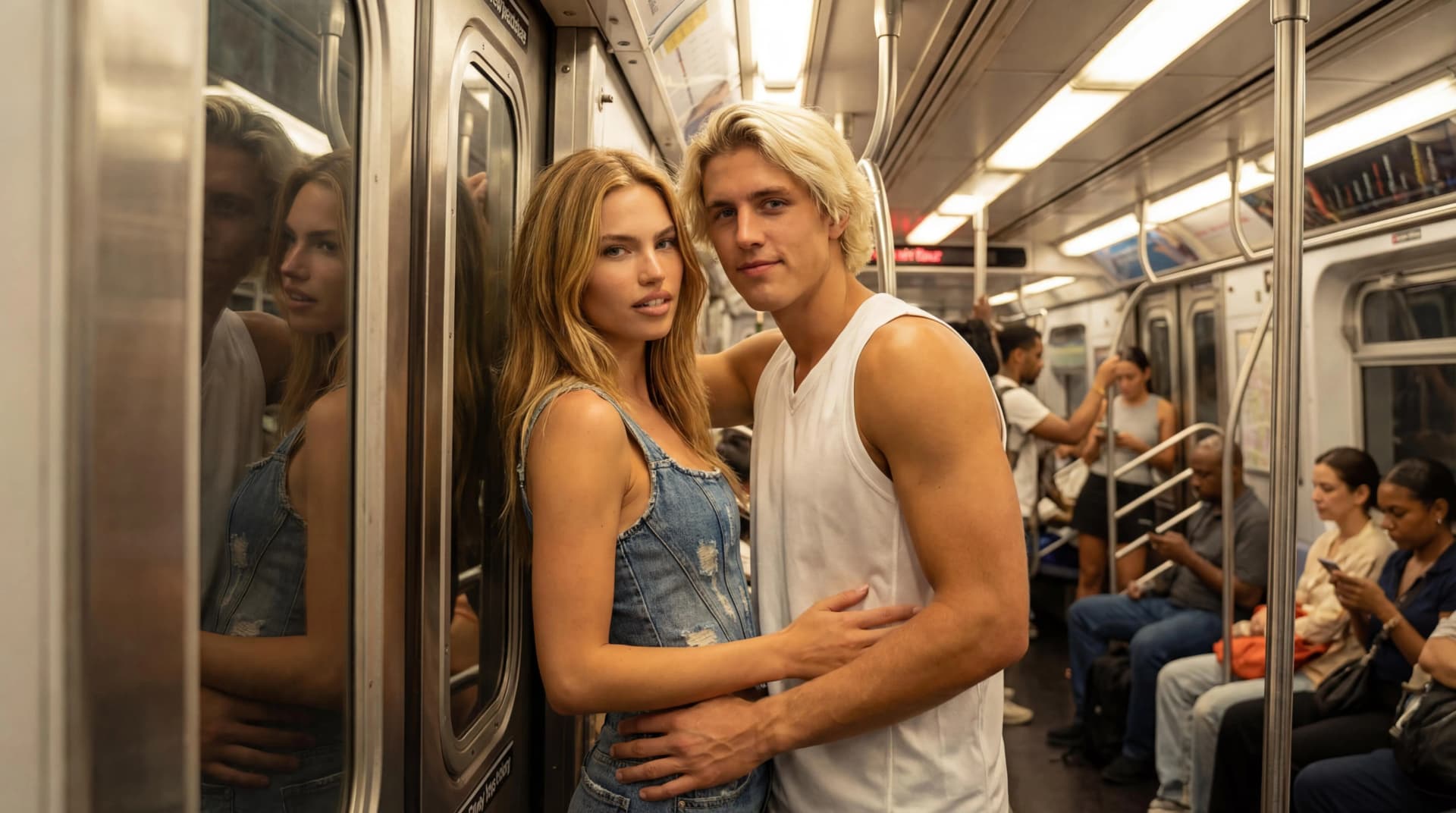
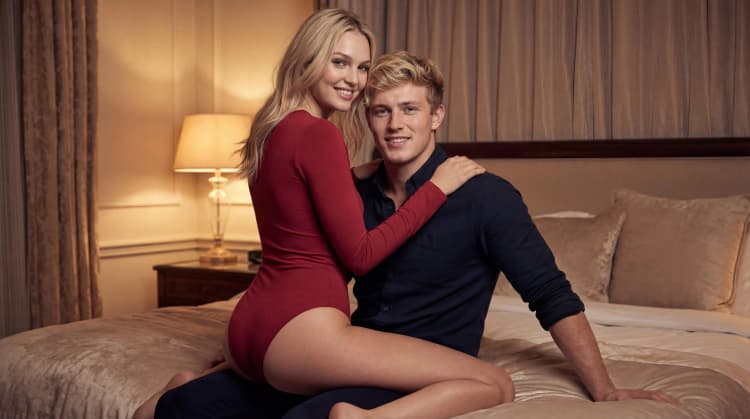
Embrace AI couple video templateNext Stop Us AI couple video templateSunset Ripples AI couple video template

A workflow made for two people

General image generators often need long prompts. This workflow gives the model two people and a predefined romantic composition.

  • Upload two source images separately.
  • Select a template that matches the scene you want.
  • Use the output for a still image or video step.
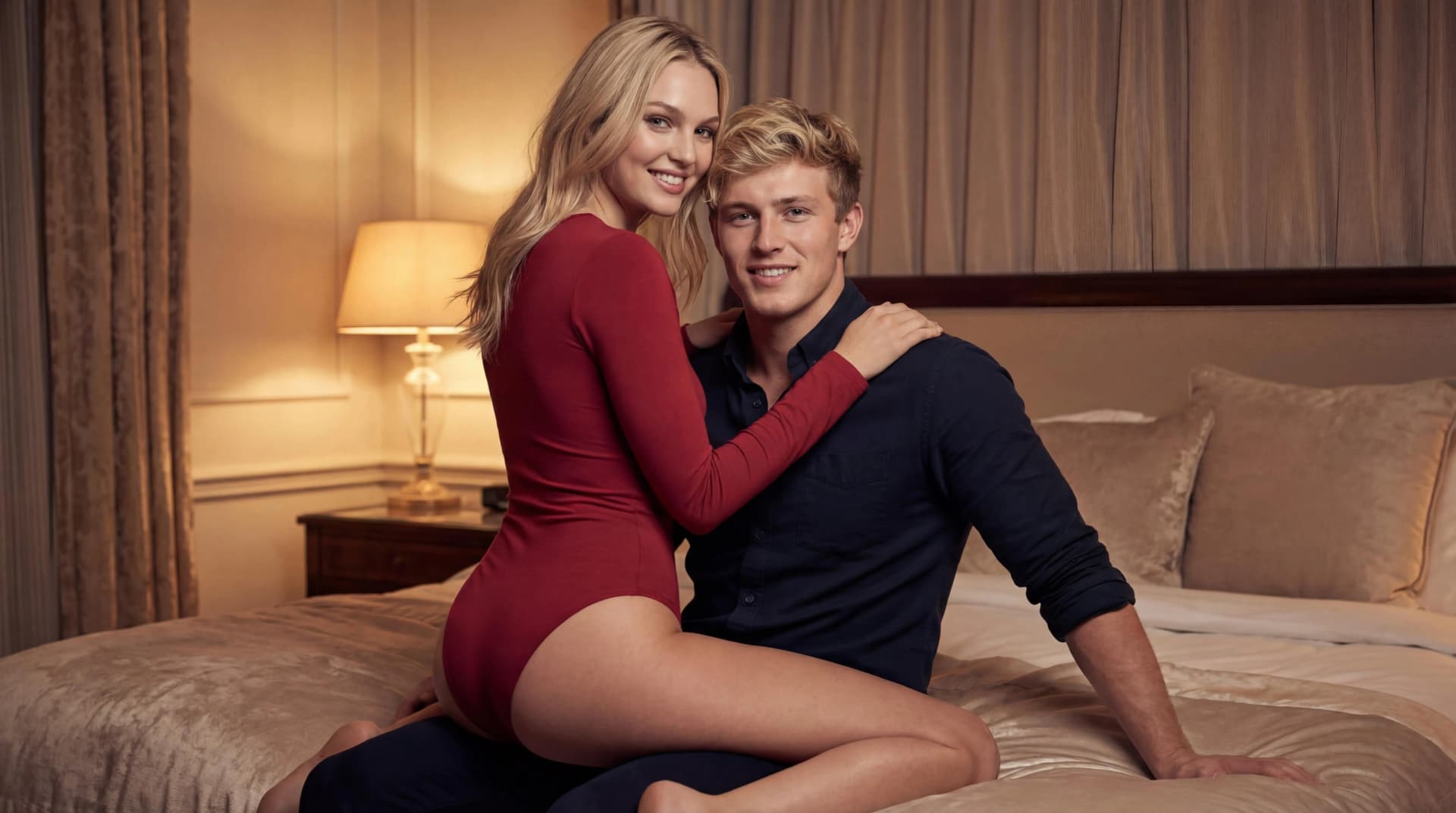
When to use this page

This is the best starting point if your main goal is to combine two people into one kiss or close couple scene.

  • Anniversary or relationship edits.
  • AI couple images for social media.
  • Photo-to-video experiments with romantic templates.

FAQ

Common questions

Can AI make two separate photos look like one couple photo?

Yes, the generator uses two source photos as references and creates a new scene where both people appear together.

What kind of photos work best?

Clear portraits with visible faces, balanced lighting, and similar camera distance usually work best.

Can I try different scenes?

Yes. You can choose from multiple templates and retry with a different scene if you want another mood.

Ready to create a romantic AI scene?

Start with two clear portraits, choose a template, and generate a still image or short video with credits.

Open the generator